Back to blog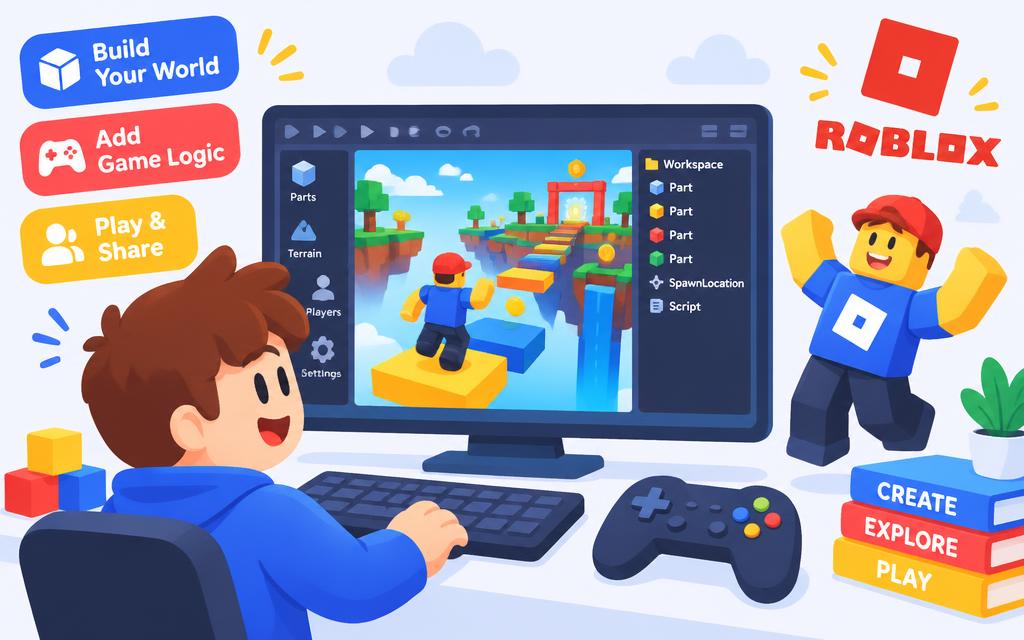 Back to blog
Roblox
Build Your First Roblox Obby
Plan an obstacle course, add checkpoints and script a disappearing platform in Roblox Studio.
Leo 8 September 2026 7 min read
An obby is an obstacle course: a chain of jumps that gets a little harder each time. It is the perfect first Roblox game because you can build it one platform at a time.
Plan before you build
- Stage 1 teaches the jump. Make it easy and wide.
- Stage 2 adds a gap. Now players must time the jump.
- Stage 3 adds movement, like a platform that vanishes.
- Finish with a reward: confetti, a trophy or a secret room.
Script a disappearing platform
Add a Part, rename it TrapBlock, then insert a Script inside it and paste this Lua code.
lua
 1local block = script.Parent
 2
 3block.Touched:Connect(function(hit)
 4    local player = hit.Parent:FindFirstChild("Humanoid")
 5    if not player then return end
 6
 7    block.Transparency = 0.7
 8    block.CanCollide = false
 9    task.wait(2)
10    block.Transparency = 0
11    block.CanCollide = true
12end)
Add a checkpoint
Checkpoints keep players happy. In Roblox Studio use a SpawnLocation part and give each one a higher SpawnLocation priority as the course goes on.
Try it yourself
Turn your obby into a timed challenge.
- 1Add a start block that stores the time with os.clock().
- 2Add a finish block that works out how long the run took.
- 3Show the time on screen with a simple GUI TextLabel.
- 4Publish the game and challenge a friend to beat your record.
Keep going
Roblox
Add a Points Leaderboard to Your Roblox Game
Give players coins, show their score at the top of the screen and keep the competition friendly.
Leo30 Aug 2026 · 6 min

PythonWeb DevRoblox
Ten Coding Projects to Build This Holiday
A project list sorted from easiest to boldest, with a clear finish line for every single one.
Mia15 Jul 2026 · 5 min